
ERP Data Migration: Move Business Data Safely to a New ERP System
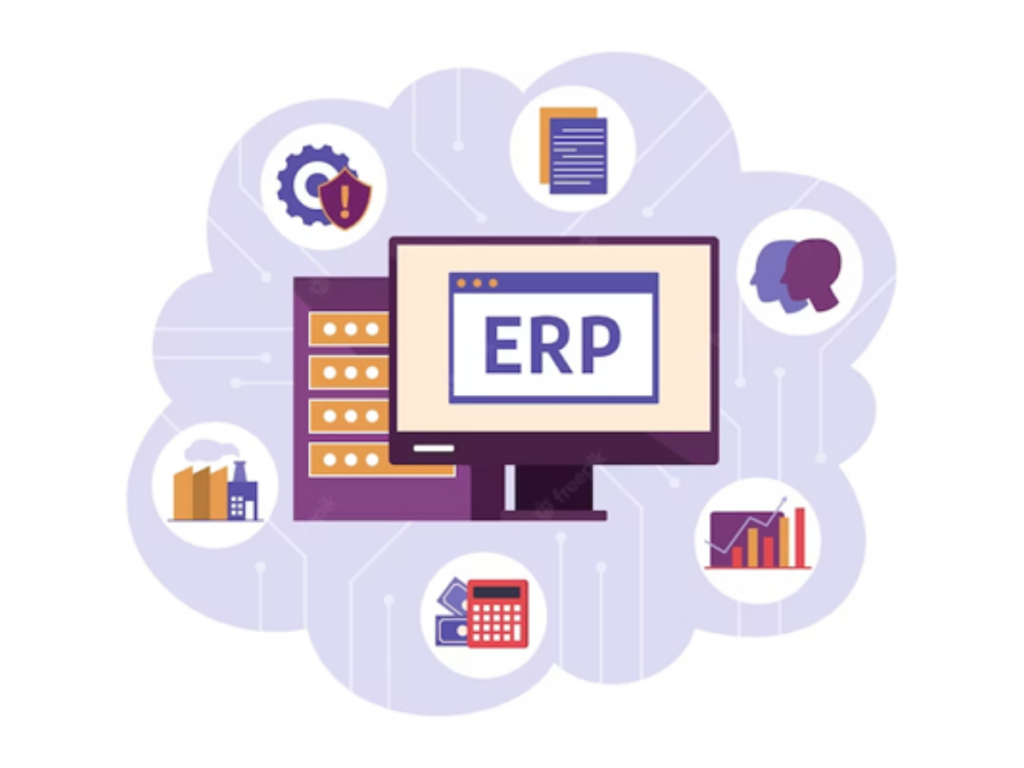
ERP data migration is an important part of moving from an old business system to a new ERP platform. Businesses often have years of valuable information stored across legacy software, spreadsheets, databases, and different applications.
Moving this data without proper planning can lead to missing records, duplicate information, or disruptions to daily operations. A well-planned ERP data migration strategy helps businesses transfer important information accurately and ensure their new system is ready to support future growth.
What is ERP Data Migration?
ERP data migration is the process of extracting, cleaning, transforming, and moving business data from existing systems into a new ERP platform.
The data may include:
Customer records
Supplier information
Product details
Financial records
Employee information
Sales transactions
Purchase records
Historical business data
The main goal is to ensure that important business information is transferred accurately and remains accessible when the new ERP system goes live.
Why ERP Data Migration Matters
A successful ERP data migration helps businesses:
Preserve important historical information
Reduce duplicate records
Improve data accuracy
Minimize disruptions during implementation
Help employees adopt the new ERP system more quickly
Maintain a reliable source of business information
Poor-quality or inaccurate data can continue to affect reports, workflows, and decision-making even after the new ERP system is up and running.
Common ERP Data Migration Challenges
Businesses can face several challenges when migrating data to a new ERP system.
Poor Data Quality
Older systems may contain incomplete, outdated, or inconsistent information that needs to be cleaned before migration.
Duplicate Records
The same customer, supplier, or product may be listed multiple times across different systems, making it difficult to maintain accurate records.
Different Data Formats
Legacy systems may store information in formats that are not compatible with the new ERP, requiring the data to be converted before migration.
Large Data Volumes
Moving years of transactions and business records can make the migration process more time-consuming and complex.
Business Disruption
If the migration is not planned properly, it can interrupt daily operations and affect business activities during the transition.
Key Steps in ERP Data Migration
Data Assessment
Review the existing systems and identify which information needs to be moved to the new ERP.
Data Cleaning
Remove duplicate, outdated, or incorrect records before starting the migration.
Data Mapping
Match the fields in the existing system with the corresponding fields in the new ERP.
Data Transformation
Convert the data into formats that are compatible with the new ERP platform.
Data Validation
Check the migrated data to make sure it is complete, accurate, and consistent.
Testing
Perform test migrations to identify and fix any issues before moving the final data.
Final Migration
Transfer the approved data to the production ERP system before or during the planned go-live process.
Benefits of a Well-Planned ERP Data Migration
Better Data Accuracy
Clean and validated data helps ensure the new ERP system contains reliable and trustworthy information.
Smoother ERP Implementation
A well-planned migration helps reduce unexpected issues and makes the transition to the new system easier.
Improved Reporting
Accurate data helps businesses generate reliable reports and gain clearer insights for better decision-making.
Reduced Operational Risks
Thorough testing and validation help prevent data loss, errors, and disruptions to daily business operations.
Easier User Adoption
Employees can start using the new ERP system with familiar, accurate, and up-to-date business information from the beginning.
ERP Data Migration Best Practices
Businesses can follow a few key practices to make ERP data migration smoother and more successful:
Start planning early
Identify important business data
Clean the data before migration
Create a clear migration plan
Assign responsibilities to the right team members
Keep backup copies of important information
Test the migration multiple times
Check and validate data after migration
Keep stakeholders updated throughout the process
For complex ERP migration projects, taking a phased approach can make the process easier to manage and help reduce potential risks.
Tools Used for ERP Data Migration
Depending on the ERP platform and project requirements, organizations may use different tools to move and manage their data, such as:
ETL tools
Data integration platforms
Database migration tools
APIs
Import and export utilities
Custom migration scripts
The right tool depends on factors such as the amount of data, existing system architecture, integration requirements, and overall migration complexity.
When Should Businesses Consider ERP Data Migration?
ERP data migration is commonly needed when businesses:
Replace an old ERP system
Move from spreadsheets to ERP software
Upgrade to a newer ERP version
Combine data from multiple business systems
Move from on-premise systems to a cloud-based ERP
Merge data from different business units
In each case, it is important to review the existing data carefully and make sure it is properly prepared for the new ERP environment.
Future of ERP Data Migration
ERP data migration is becoming more efficient with the help of modern technologies such as:
AI-powered data cleansing
Automated data mapping
Intelligent duplicate detection
Cloud-based migration tools
Automated validation
Real-time integration
Machine learning-based data quality monitoring
These technologies help reduce manual effort, improve data quality, and make ERP migrations more accurate and efficient.
Conclusion
ERP data migration is more than just moving information from one system to another. It involves reviewing, cleaning, transforming, testing, and validating business data to ensure everything moves smoothly to the new ERP platform.
With proper planning and careful data management, businesses can reduce migration risks, maintain better data quality, and ensure their new ERP system is ready to deliver value from day one.