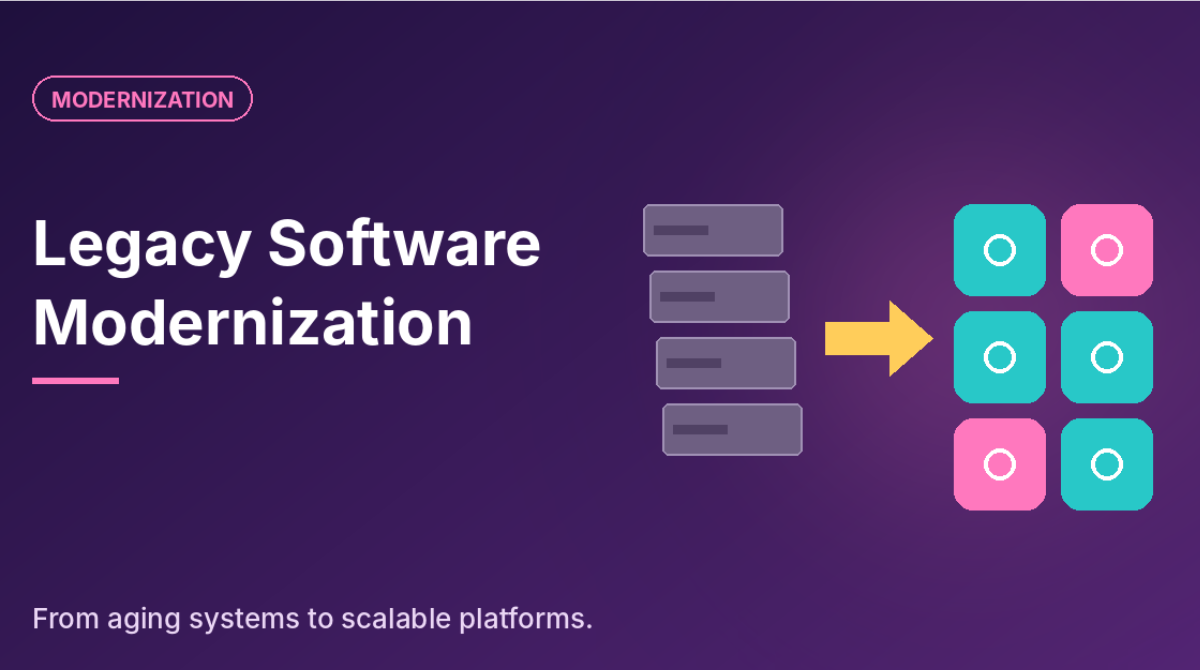
Legacy Software Modernization: When Should Businesses Upgrade?
Many businesses continue using software developed years ago because it supports important daily operations. It may manage customer records, inventory, accounting, employee information, or internal workflows.
But as business requirements change, older systems may struggle to keep up.
This is why legacy software modernization has become an important consideration for companies looking to improve their technology infrastructure.
What Is Legacy Software Modernization?
Legacy software modernization means updating or improving outdated software systems so they can meet current business and technical requirements.
It does not always mean replacing an entire system.
Depending on the situation, modernization may involve:
Updating the existing software
Improving system performance
Moving applications to cloud infrastructure
Connecting older software with newer tools
Improving security and access controls
Rebuilding selected software components
The right approach depends on the condition of the existing system and the business objectives.
5 Signs Your Business Software Needs an Upgrade
1. Frequent Technical Problems
If employees regularly experience crashes, errors, or system downtime, the software may no longer support business requirements effectively.
2. Difficult Integration With New Tools
Modern businesses use multiple platforms for communication, accounting, customer management, and reporting.
Older applications may not connect easily with these tools, resulting in manual work and duplicated information.
3. Slow Performance
Slow loading, delayed reports, and inefficient processes can affect employee productivity.
4. Security and Maintenance Challenges
Outdated systems may depend on unsupported technologies or software components.
Businesses should review maintenance requirements, security updates, and access controls regularly.
5. Growing Business Requirements
A system that worked for a small company may become difficult to manage as transactions, employees, customers, and operational requirements increase.
How to Modernize Legacy Software
Step 1: Review the Existing System
Identify the software’s current limitations, technical dependencies, performance issues, and business importance.
Step 2: Define Clear Objectives
Decide what the modernization project should achieve.
Possible goals include better performance, improved reporting, easier integration, or stronger security controls.
Step 3: Select the Right Modernization Approach
Businesses may choose to update existing software, migrate selected components, or develop a replacement system.
The decision should consider cost, complexity, downtime, and long-term maintenance.
Step 4: Test Before Implementation
Testing helps identify compatibility problems and operational issues before the updated system becomes part of everyday business activities.
Why Modernization Matters for International Businesses
Businesses in the UK, USA, and GCC often operate across multiple departments, locations, and digital platforms.
Modern software can help connect business processes, improve information access, and support changing operational requirements.
For technical guidance, businesses can explore the Microsoft Azure Architecture Center.
How Five Seven IT Solutions Supports Software Modernization
Five Seven IT Solutions offers software development and technology services to help businesses improve their digital systems.
Our services include:
Custom software development
ERP development
Business process automation
Website development
Technical IT solutions
Explore our Custom Software Development Services to learn how business-specific software can support your operations.
Final Thoughts
Outdated software does not always need immediate replacement. However, when it starts affecting performance, integration, security, or business growth, modernization deserves serious consideration.
A planned upgrade can help businesses build a more reliable technology foundation.
Need to improve your existing business software? Contact Five Seven IT Solutions to discuss your modernization requirements.
Outbound link: Microsoft Azure Architecture Center — https://learn.microsoft.com/en-us/azure/architecture/