
ERP Disaster Recovery: Protect Business Operations From Unexpected Disruptions
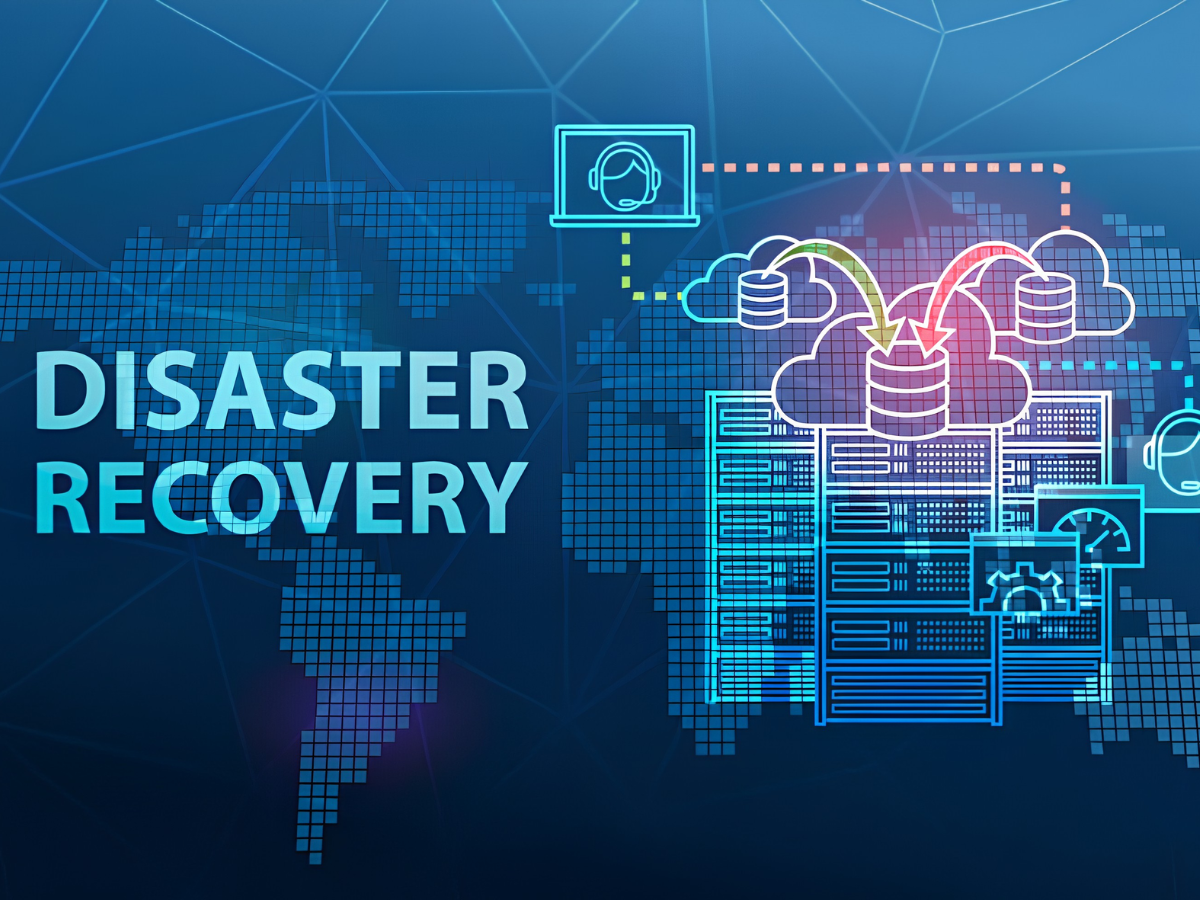
ERP disaster recovery plays an important role in protecting a business’s systems and critical data. An ERP system stores a wide range of important information, including finances, sales, inventory, employees, customers, purchases, and other day-to-day business activities.
Unexpected issues such as system failures, cyberattacks, hardware problems, power outages, or natural disasters can make this information temporarily unavailable. A well-planned disaster recovery strategy helps businesses restore their ERP systems quickly and get operations back on track with as little disruption as possible.
What is ERP Disaster Recovery?
ERP disaster recovery is the process of getting an ERP system, applications, databases, and business data back up and running after an unexpected disruption.
A disaster recovery plan outlines the steps a business should take to protect its important information, restore its systems, and return to normal operations. It may include regular data backups, recovery procedures, alternative infrastructure, system monitoring, and clearly defined responsibilities for employees.
Why ERP Disaster Recovery Matters
A good ERP disaster recovery plan helps businesses stay prepared when unexpected problems occur. It can help organizations:
Protect important business data
Minimize system downtime
Restore ERP services more quickly
Keep essential business operations running
Reduce potential financial and operational losses
Be better prepared for unexpected disruptions
Safeguard customer and financial information
Without a proper recovery plan, a major ERP failure can affect several departments at once and bring important business activities to a halt.
Common Threats to ERP Systems
Businesses can face different types of unexpected events that may affect their ERP systems and daily operations.
Hardware Failure
Problems with servers, storage devices, or other hardware can make ERP applications temporarily unavailable.
Cybersecurity Incidents
Malware, ransomware, and other cyber threats can disrupt access to ERP systems and put important business data at risk.
Power or Network Outages
A prolonged power or internet outage can prevent employees from accessing the ERP system and completing their regular tasks.
Human Errors
Accidental data deletion, incorrect system settings, or other mistakes can affect ERP data and system functionality.
Natural Disasters
Events such as floods, fires, and severe storms can damage physical infrastructure and cause interruptions to business operations.
Key Components of ERP Disaster Recovery
Data Backup
Regularly backing up ERP data helps protect important information and gives businesses a reliable recovery point if data is accidentally deleted, damaged, or lost.
Recovery Procedures
Clear, documented recovery steps help IT teams restore applications, databases, and infrastructure in the right order, making the recovery process more organized.
Backup Infrastructure
Businesses can keep alternative infrastructure or recovery environments ready to support ERP operations if the primary system becomes unavailable.
Recovery Time Objective
The Recovery Time Objective (RTO) sets a target for how quickly the ERP system should be restored after a disruption.
Recovery Point Objective
The Recovery Point Objective (RPO) determines how much recent data the business can afford to lose following an incident. This helps organizations decide how frequently backups should be performed.
Benefits of ERP Disaster Recovery
Reduced Downtime
Having a clear recovery plan allows businesses to restore their ERP systems more quickly and get daily operations back on track.
Better Data Protection
Regular backups help protect important business information and reduce the risk of losing data permanently.
Improved Business Continuity
A well-prepared recovery process helps employees resume critical tasks sooner after an unexpected disruption.
Lower Financial Impact
Getting systems back up and running quickly can help reduce the financial losses associated with prolonged business interruptions.
Greater Preparedness
Regularly testing the recovery plan helps businesses find and fix weaknesses before a real disruption occurs.
ERP Backup Strategies
Businesses can choose from different backup methods based on the amount of data they manage and their recovery needs.
Full Backup
A full backup creates a complete copy of the selected ERP data. It provides a comprehensive recovery point but may require more storage and time.
Incremental Backup
An incremental backup saves only the data that has changed since the previous backup. This can make backups faster and reduce storage requirements.
Differential Backup
A differential backup stores the changes made since the last full backup. It can provide a balance between backup speed and recovery convenience.
Using a combination of backup methods can give businesses more flexibility and help them recover their ERP data more effectively when needed.
Best Practices for ERP Disaster Recovery
Create a Detailed Recovery Plan
Document the steps needed to recover the ERP system, along with responsibilities, critical systems, and communication procedures. This gives everyone a clear idea of what to do during a disruption.
Schedule Regular Backups
Set up automated backups based on the business’s data protection and recovery needs. Regular backups help ensure that recent information is available when it is needed.
Store Backups Separately
Keep backup copies in different locations or environments. This reduces the risk of losing both the original data and backups during the same incident.
Test Recovery Procedures
Regularly test the recovery process to make sure backups are working properly and the ERP system can be restored as expected.
Train Employees
Employees should understand their roles and responsibilities during an ERP disruption so they can respond quickly and follow the recovery plan.
Review the Plan Regularly
Disaster recovery plans should be updated whenever there are changes to the ERP system, infrastructure, applications, or business processes. Regular reviews help keep the plan relevant and effective.
Role of Cloud Technology in ERP Recovery
Cloud infrastructure can make ERP disaster recovery easier by providing flexible storage, backup services, data replication, and additional computing resources when they are needed.
Cloud-based recovery solutions can also help businesses restore their ERP applications without depending entirely on a single physical location. This can be especially useful when the primary infrastructure is affected by an unexpected event.
However, moving recovery services to the cloud does not remove the need for proper planning. Businesses should still have clear recovery procedures, security measures, backup policies, and regular testing in place.
ERP Disaster Recovery Testing
Testing is a key part of any ERP disaster recovery plan. Regular tests help businesses make sure their backups and recovery processes will work when they are actually needed. Common tests include:
Backup restoration tests
Database recovery tests
Application recovery tests
Failover tests
User access tests
Communication drills
These tests can uncover issues such as missing backups, incorrect system configurations, outdated recovery procedures, or access problems. Finding these issues in advance gives businesses a chance to fix them before a real disruption occurs.
Future of ERP Disaster Recovery
ERP disaster recovery is becoming more advanced as businesses adopt newer technologies and look for faster ways to respond to disruptions. Some of the technologies being used include:
Automated backup management
AI-powered monitoring
Cloud-based disaster recovery
Real-time data replication
Automated failover
Predictive system monitoring
These technologies can help businesses identify potential problems sooner, protect important data, and restore critical ERP services more quickly when disruptions occur.
Conclusion
ERP disaster recovery helps businesses stay prepared for unexpected system failures while keeping their important business information protected. With regular backups, clear recovery procedures, alternative infrastructure, and regular testing, organizations can reduce downtime and get their operations back on track more quickly.
A disaster recovery plan should also be reviewed and updated regularly. As technology, systems, and business processes change, keeping the plan up to date ensures it continues to meet the organization’s recovery and operational needs.