
ERP System Customization: Tailoring ERP Software to Your Business
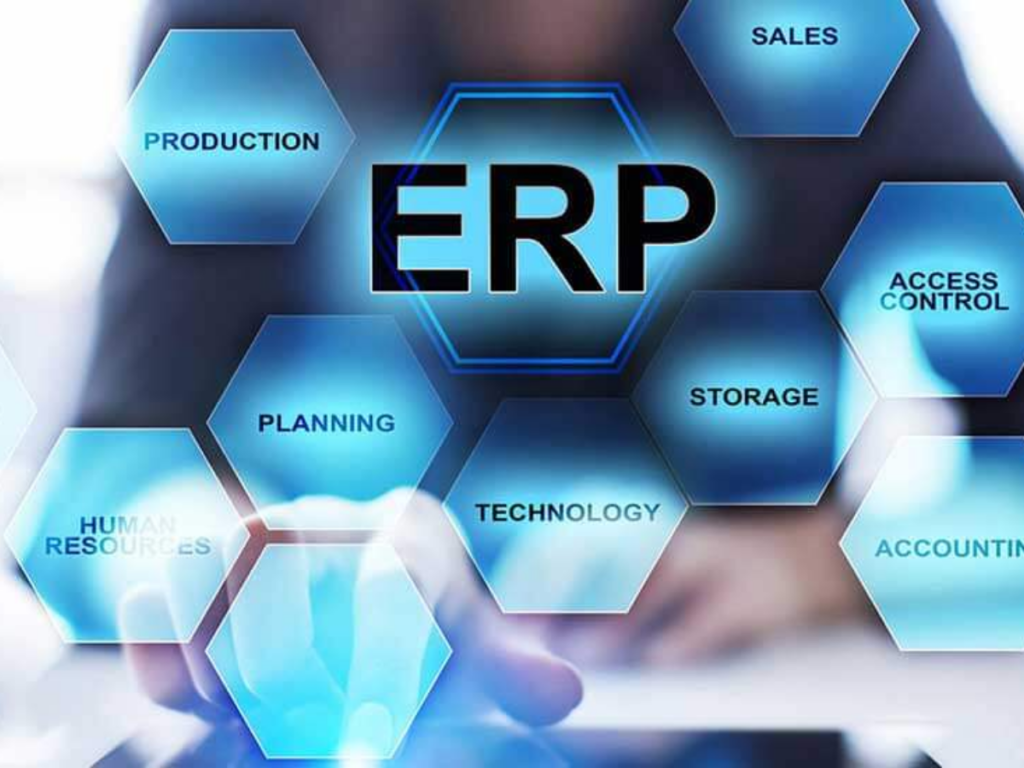
ERP system customization allows businesses to tailor their ERP software to fit their specific workflows, processes, and operational needs. While standard ERP platforms offer a wide range of features, every organization has its own way of managing day-to-day operations.
Instead of changing existing processes to fit generic software, businesses can customize selected ERP features to better suit their requirements. This can make the system easier to use, improve productivity, and help the organization get more value from its ERP investment.
What is ERP System Customization?
ERP system customization is the process of modifying an ERP platform to meet business-specific requirements that may not be fully supported by its standard features.
Customization can include changes to workflows, dashboards, reports, user interfaces, business rules, forms, notifications, and other system functions.
The main goal is to make the ERP system fit more naturally into the organization’s existing processes and help teams work more efficiently.
Why Businesses Customize ERP Software
ERP system customization can help organizations:
Support unique business workflows
Improve employee productivity
Automate specialized processes
Create customized reports
Improve the user experience
Meet industry-specific requirements
Reduce unnecessary manual work
A well-planned customization strategy helps businesses make their ERP system more suitable for their needs and get greater value from their investment.
Common Areas of ERP Customization
Custom Workflows
Businesses can set up approval processes and automated workflows that match their internal procedures and day-to-day operations.
Customized Dashboards
Different departments can have dashboards that display the metrics, reports, and information most relevant to their roles.
Business Reports
Organizations can create reports tailored to their specific management and operational needs, making it easier to track performance and make decisions.
Forms and User Interfaces
ERP forms and interfaces can be adjusted to show the required fields and make data entry simpler and more efficient.
Notifications and Alerts
Automated notifications can be set up for approvals, deadlines, exceptions, and other important business activities.
Business Rules
Custom rules can automate calculations, validations, approvals, and other processes based on the organization’s specific requirements.
Benefits of ERP System Customization
Better Process Alignment
A customized ERP system can be tailored to match the way a business actually operates, making everyday processes more efficient.
Improved Productivity
Employees can complete their tasks more quickly and easily when the ERP system fits naturally into their existing workflows.
Greater User Adoption
A familiar and user-friendly ERP experience makes it easier for employees to understand the system and adopt it in their daily work.
Better Business Visibility
Customized dashboards and reports provide teams with the information they need to monitor performance and make informed decisions.
Increased Flexibility
Businesses can adjust and expand ERP functionality as their processes, goals, and requirements change over time.
When Should Businesses Customize an ERP System?
Customization may be a good option when:
Standard ERP features cannot support an important business process
Industry-specific workflows need additional functionality
Existing reports do not provide the required information
Employees depend heavily on manual workarounds
Business rules differ from the standard ERP processes
However, customization is not always necessary. Businesses should first check whether the requirement can be handled through system configuration, existing ERP modules, or third-party integrations. This approach can help avoid unnecessary complexity and keep the ERP system easier to maintain.
ERP Customization vs ERP Configuration
ERP configuration involves using the built-in options available in the ERP system to adjust settings, workflows, permissions, and business processes.
Customization goes a step further by modifying or extending the software to add functionality that may not be available through standard configuration.
Whenever possible, choosing configuration over customization can help keep the ERP system simpler, reduce maintenance needs, and make future upgrades easier.
Risks of Excessive ERP Customization
Too much ERP customization can lead to challenges such as:
Higher development costs
More complicated upgrades
Increased maintenance needs
Potential security concerns
Longer implementation timelines
Greater dependence on technical teams
For this reason, businesses should customize their ERP system carefully and focus only on changes that provide clear and meaningful business value.
Best Practices for ERP System Customization
Identify Business Requirements
Clearly define the business problems that the customization needs to solve and document the expected outcomes.
Prioritize Important Changes
Focus on customizations that can make a clear difference to productivity, efficiency, or day-to-day business operations.
Keep the System Scalable
Design custom features with future growth in mind so they can continue to support changing business needs.
Consider Upgrade Compatibility
Avoid unnecessary modifications that could create complications when upgrading the ERP system in the future.
Test Every Customization
Thoroughly test custom workflows, reports, integrations, and business rules before deploying them to the live system.
Future of ERP System Customization
ERP customization is becoming more flexible with the help of modern technologies such as:
Low-code and no-code development
AI-assisted configuration
Modular ERP architecture
API-based extensions
Cloud ERP customization
Automated workflow builders
These technologies make it easier for businesses to extend ERP functionality while reducing development effort, maintenance, and overall complexity.
Conclusion
ERP system customization allows businesses to tailor their ERP software to fit their unique workflows and day-to-day operational needs. When planned properly, customization can improve productivity, streamline processes, and give employees a more user-friendly ERP experience.
The key is to customize only where it adds real value rather than changing every part of the system. A balanced approach gives businesses the flexibility they need while keeping the ERP platform scalable, easier to maintain, and simpler to upgrade in the future.