
Web Accessibility: Building Inclusive Websites for Everyone
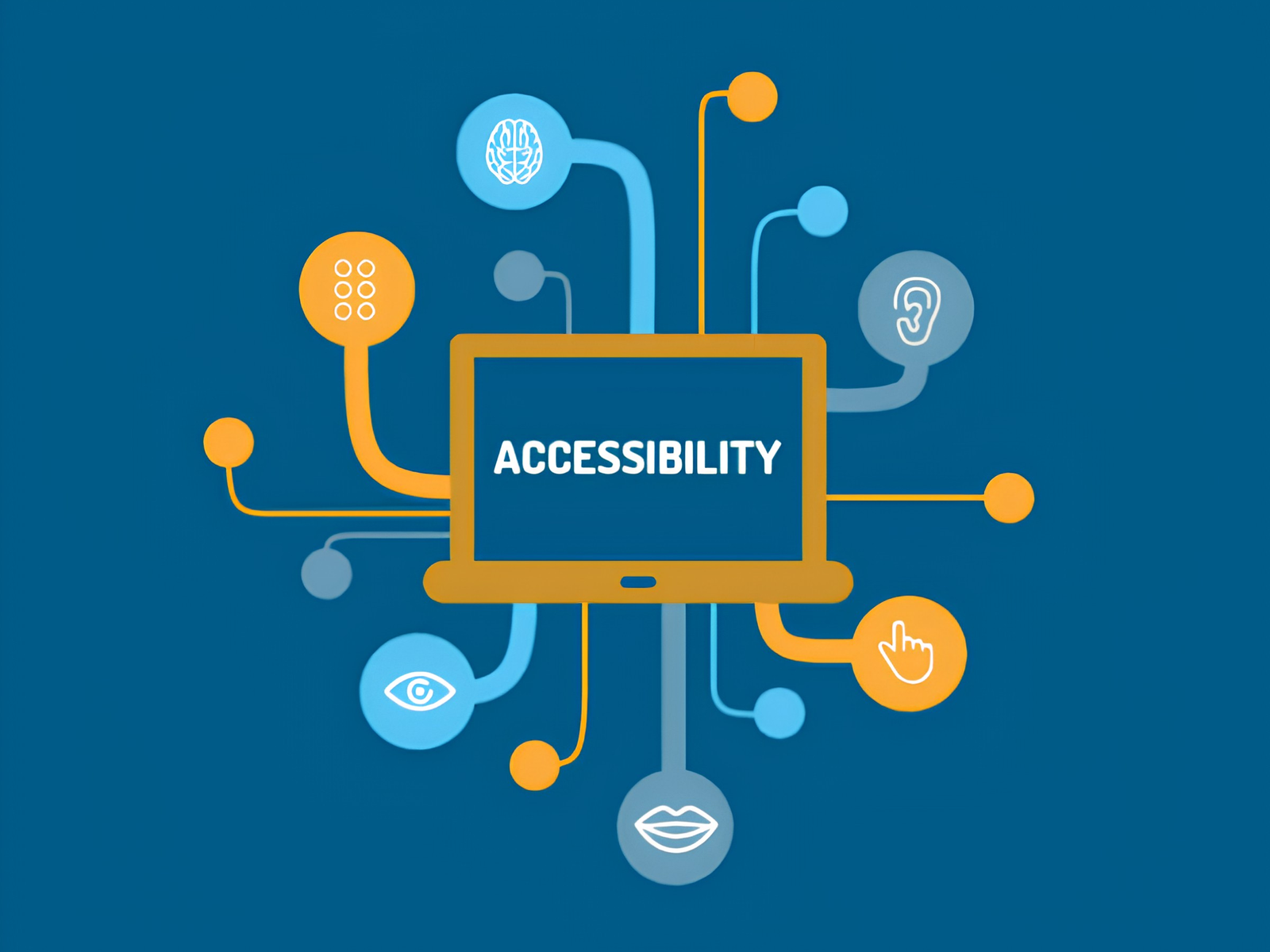
Websites play an important role in how modern businesses communicate with their customers. People use websites to explore products, contact businesses, make purchases, access services, and find useful information.
However, not everyone uses a website in the same way. Some people may depend on screen readers, keyboard navigation, captions, larger text, or other assistive technologies to access online content.
Web accessibility focuses on making websites easier for people with different abilities and needs to use. An accessible website can help more people interact with a business online while also making the overall experience clearer and easier for everyone.
What Is Web Accessibility?
Web accessibility means designing and developing websites so that people with different abilities can access, understand, navigate, and use digital content comfortably.
Accessibility can cover many parts of a website, including:
Website structure
Navigation
Text readability
Images
Forms
Videos
Buttons and controls
Keyboard navigation
Screen reader support
Color and contrast
Accessibility is best considered from the beginning of the development process rather than added after the website is finished. Building it into the design and development process can help create a more inclusive and user-friendly website.
Why Web Accessibility Matters
A website may look attractive and work well for many people, but accessibility problems can make certain features difficult or even impossible for some users to use.
Improving accessibility can help businesses:
Reach a wider range of users
Make websites easier to use
Ensure information is easier to access
Create a better overall user experience
Make navigation simpler
Support assistive technologies
Remove common barriers to using the website
Accessibility is not only helpful for people with disabilities. Features such as clear navigation, readable text, and simple layouts can also make websites easier to use for people on mobile devices or those browsing in challenging conditions.
Key Elements of Web Accessibility
1. Accessible Navigation
Website navigation should be simple, clear, and predictable. Users should be able to understand where they are on a website and move between important pages without getting confused.
Menus, links, buttons, and other navigation elements should use clear and meaningful labels.
2. Alternative Text for Images
Images often provide useful information, but not every user can see them. Alternative text, or alt text, gives users a text-based description of meaningful images.
Good alt text should explain the purpose or information conveyed by the image rather than simply describing every visual detail.
3. Keyboard Navigation
Some users rely on a keyboard instead of a mouse to navigate websites. Important features should therefore be accessible using keyboard controls.
Users should be able to move through links, buttons, forms, menus, and other interactive elements in a clear and logical order.
4. Readable Content
Website content should be easy to read and understand. Helpful practices include:
Clear headings
Short, well-spaced paragraphs
Descriptive links
Readable fonts
Adequate spacing
Simple and clear language
A well-organized page makes it easier for users to find and understand important information.
5. Color and Contrast
Text should be easy to distinguish from its background, with sufficient contrast for comfortable reading.
Color should also not be the only way to communicate important information. For example, an error message should include a clear text explanation or another visual indicator instead of relying only on red color.
6. Accessible Forms
Forms are a common part of business websites, so they should be designed to be easy for everyone to complete.
Fields such as:
Name
Email
Phone number
Address
Password
Message
should have clear labels and instructions. When an error occurs, the message should explain what went wrong and how the user can fix it.
7. Accessible Videos
Videos should also be designed with accessibility in mind. Captions can help users who cannot hear the audio, while transcripts can provide another way to access the same information.
Making videos accessible allows more people to understand and engage with the content.
Benefits of Web Accessibility
Better User Experience
Accessible websites are often simpler to navigate and easier to understand. Clear layouts, readable content, and predictable interactions can make the experience better for a wide range of users.
Wider Audience Reach
An accessible website removes common barriers that may prevent some people from accessing online content. This allows businesses to connect with a broader audience.
Improved Website Usability
Many accessibility improvements also make websites easier for everyone to use. For example, clear buttons, simple navigation, and descriptive links can benefit all visitors.
Better Mobile Experience
Accessibility practices can also improve the mobile browsing experience. Readable text, appropriately sized buttons, and straightforward navigation make websites easier to use on smaller screens.
Stronger Digital Presence
By focusing on inclusive and user-friendly experiences, businesses can create websites that feel more practical, welcoming, and easier for people to use.
Web Accessibility and Website Development
Accessibility should be considered throughout the entire website development process rather than treated as a final step.
During planning, designers and developers can identify the accessibility needs that should be included in the project. In the design stage, they can focus on clear layouts, readable content, easy navigation, suitable color contrast, and simple interfaces.
During development, accessibility can be built into the website’s HTML structure, forms, buttons, menus, and other interactive elements.
Testing before launch can then help identify any remaining accessibility issues and give the team an opportunity to make improvements before the website goes live.
Common Web Accessibility Problems
Some websites can have accessibility problems that make certain features difficult for users to access or understand. Common issues include:
Missing alt text for images
Poor color contrast
Unclear link labels
Missing labels for form fields
Problems with keyboard navigation
Inaccessible menus
Poorly structured headings
Videos without captions
Text that is too small or difficult to read
Confusing or unclear error messages
Finding these issues early in the development process makes them easier to fix and can help reduce the time and cost involved in making accessibility improvements later.
How to Improve Web Accessibility
Businesses can take several practical steps to make their websites more accessible and easier to use.
Use Proper Heading Structure
Organize content with clear and meaningful headings and subheadings. A well-structured page makes it easier for users to understand the content and find the information they need.
Add Descriptive Alt Text
Add useful alt text to meaningful images so that users who cannot see them can still understand the information they provide.
Make Interactive Elements Accessible
Buttons, links, menus, and forms should work properly with different input methods, including keyboard navigation and assistive technologies.
Improve Contrast
Use enough contrast between text and background elements so that content remains easy to read.
Write Clear Content
Use simple language, descriptive headings, and straightforward instructions to make information easier to understand.
Test With Different Users
Testing the website with different users can reveal accessibility and usability issues that may not be obvious during the development process. Feedback can then be used to improve the overall experience.
Web Accessibility Testing
Accessibility testing can use a combination of automated tools and manual checks. Automated tools can quickly identify certain technical issues, while manual testing provides a better understanding of how people actually interact with the website.
Testing can include:
Keyboard navigation testing
Screen reader testing
Mobile and device testing
Color contrast checking
Form testing
Navigation testing
Content and readability review
Using different testing methods gives businesses a more complete picture of the website’s accessibility and helps identify issues that may otherwise be missed.
Web Accessibility and Business Websites
Business websites often include important features such as contact forms, product and service information, booking systems, and online purchasing.
When these features are difficult to access or use, some visitors may have trouble completing important actions. Making these features accessible can help users understand and use them more easily, while also creating a smoother and more consistent experience across the website.
Future of Web Accessibility
As more businesses move their services and customer interactions online, web accessibility will continue to be an important part of website development.
Websites are becoming more interactive, personalized, and feature-rich, which makes accessibility even more important when creating complex digital experiences.
Instead of treating accessibility as a one-time task, businesses can make it an ongoing part of website design, testing, and improvement. Regular reviews and updates can help ensure the website remains easy to use as technology and user needs change.
Conclusion
Web accessibility helps businesses create websites that are easier for more people to access, navigate, and understand.
Simple improvements such as keyboard-friendly navigation, useful alt text, readable content, accessible forms, and regular testing can make a noticeable difference to the overall user experience.
By considering accessibility from the early stages of website development and continuing to improve it over time, businesses can create digital experiences that are more inclusive, practical, and user-friendly.