
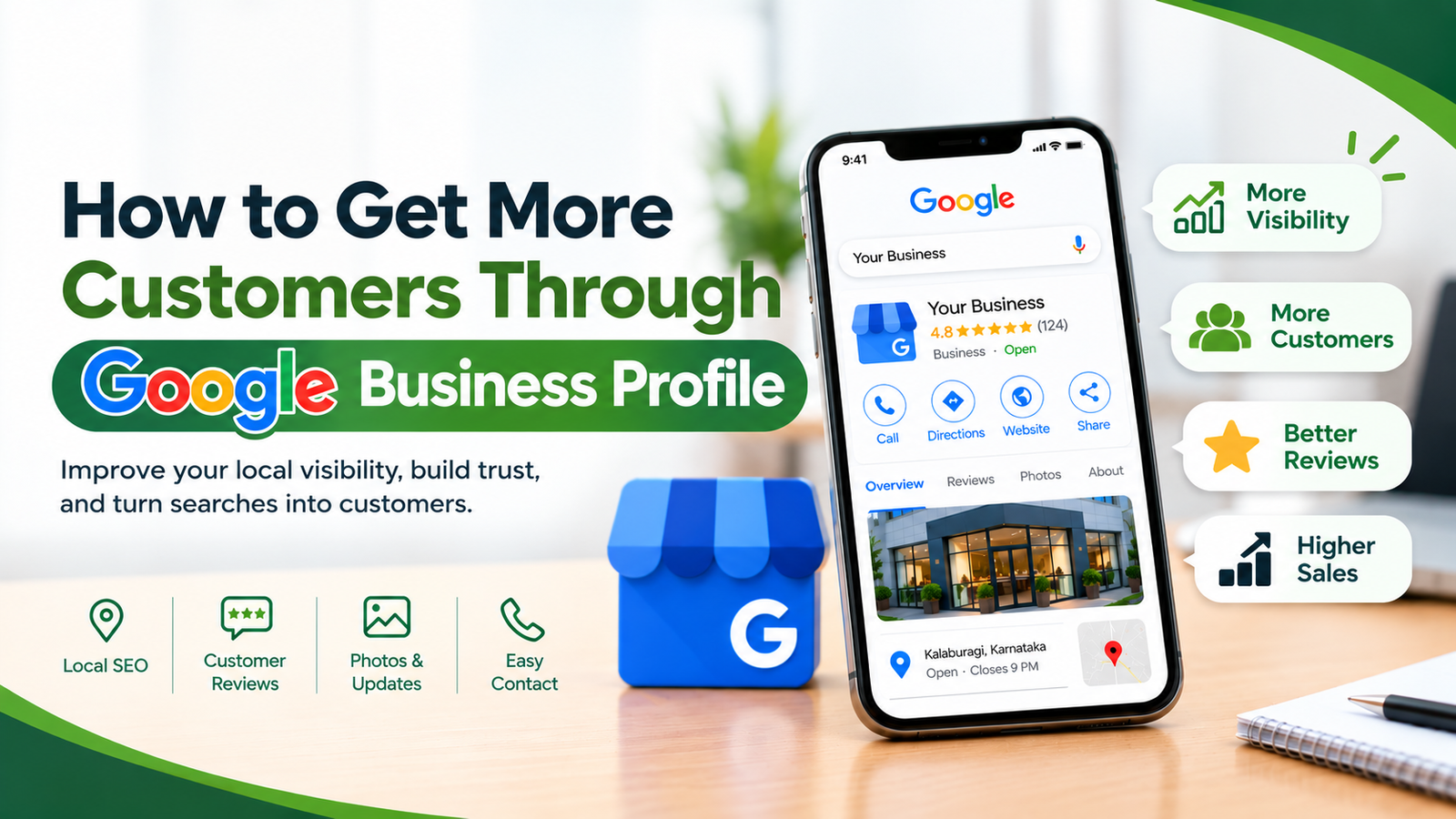
How to Get More Customers Through Google Business Profile
In today’s digital world, customers often search on Google before choosing a local business. Whether they are looking for a restaurant, IT company, salon, retail store, or service provider, appearing in local search results can help businesses connect with potential customers. One of the most effective free tools for improving local online visibility is Google Business Profile.
A well-optimized Google Business Profile helps businesses display important information, showcase their services, build customer trust, and attract more enquiries. For small and medium-sized businesses, it can become an important part of their digital marketing strategy.
In this blog, we will explore how Google Business Profile works and how businesses can use it to attract more local customers.
What Is Google Business Profile?
Google Business Profile is a free tool that allows eligible businesses to manage how their information appears across Google Search and Google Maps.
A business profile can display essential details such as:
Business name and category
Address or service area
Phone number and website
Business hours
Photos and videos
Customer reviews and ratings
Available services and products, where supported
When customers search for a business or service nearby, an accurate and complete profile can help them discover relevant local businesses and contact them more easily.
1. Complete and Optimize Your Business Profile
The first step towards attracting more customers is to create or claim your Google Business Profile and complete all relevant information.
Make sure your business name, address or service area, phone number, website, business hours, and primary category are accurate.
Choose the category that best describes your main business activity. Add relevant secondary categories only when they genuinely apply to your business.
For example, an IT company should select a category that accurately represents its primary services rather than adding unrelated categories to reach more people.
Pro tip: Keep your business information consistent across your website, social media profiles, and other trusted online directories.
2. Use Relevant Keywords Naturally
Customers use different search terms when looking for products and services. Your business profile and website should clearly explain what your business offers and which customers it serves.
For example, a local IT company might create website content around searches such as:
IT services in Kalaburagi
Website development in Gulbarga
Digital marketing services for small businesses
Software development services in Karnataka
Use these phrases naturally in your website’s service pages, descriptions, and helpful blog content. Do not stuff keywords into your business name or add unnecessary locations to your profile.
Relevant information helps Google and potential customers understand your business more clearly, although keywords alone cannot guarantee higher rankings.
3. Add High-Quality Photos and Videos
Visual content helps potential customers understand your business before contacting you. A profile with genuine, clear images can make a stronger first impression than one with very little visual information.
Consider uploading:
Photos of your office or storefront
Images of your team at work
Your products or completed projects
Short videos demonstrating your services
Genuine photographs that represent your business
For a website development or digital marketing company, showcasing real projects and work samples can help potential clients understand the quality and range of services available.
Keep your photos current, relevant, and authentic.
4. Encourage Genuine Customer Reviews
Customer reviews play an important role in helping people evaluate a business. Positive, detailed reviews can build trust and help potential customers make informed decisions.
To encourage more reviews:
Ask satisfied customers to share honest feedback.
Send customers your Google review link after completing a project.
Make the review process simple and convenient.
Respond politely to both positive and negative feedback.
Use customer feedback to improve your services.
Avoid buying reviews, creating fake reviews, or offering incentives in exchange for reviews. These practices can violate Google’s policies.
A thoughtful response to a review shows that your business values its customers and takes feedback seriously.
5. Keep Your Business Information Updated
Incorrect business information can lead to missed calls, unsuccessful visits, and frustrated customers.
Regularly check your profile to ensure that:
Opening hours are correct.
Holiday hours are updated when necessary.
Phone numbers and website links work.
Services and business descriptions are current.
Any changes in your business location or operations are reflected accurately.
If your business serves customers at their locations instead of welcoming them at a public storefront, configure your profile according to Google’s service-area business guidelines.
Accurate information makes it easier for customers to take the next step.
6. Publish Updates and Business Posts
Where Google Business Profile posts are available, use them to communicate relevant updates and offers to potential customers.
You can share:
New service announcements
Recent projects and achievements
Seasonal offers
Upcoming events
Helpful business tips
Links to useful blog articles
For example, a digital marketing company could publish a short update about the benefits of local SEO and link to a detailed article on its website.
Focus on sharing useful information rather than posting repetitive promotional messages. Make sure each update is accurate and includes a clear next step where appropriate.
7. Make It Easy for Customers to Contact You
Your business profile should make it simple for potential customers to enquire about your services.
Depending on the features available to your business, customers may be able to call you, visit your website, request directions, or use other contact options.
To improve the customer experience:
Add a working business phone number.
Link to a relevant, mobile-friendly website page.
Clearly explain your services.
Make enquiry forms simple to complete.
Respond to incoming enquiries promptly.
If a customer discovers your business while searching for website development, direct them to your website development page instead of making them search through unrelated information.
8. Improve Your Website for Local SEO
Google Business Profile is only one part of local search optimization. Your website also needs useful content and a clear structure.
Here are several ways to strengthen your local SEO:
Create dedicated service pages: Build separate pages for important services, such as website development, digital marketing, software development, and IT consulting.
Add genuine local business information: Explain where you operate and which areas you serve, where relevant.
Make your website mobile-friendly: Ensure that visitors can read your content, navigate pages, and contact your business easily on mobile devices.
Improve website performance: Optimize images, reduce unnecessary scripts, and work towards faster loading times.
Use internal links: Connect relevant blog posts to the service pages they discuss.
These improvements help visitors understand your services and make it easier for search engines to discover and interpret your website content.
9. Track Your Google Business Profile Performance
Optimizing your profile is an ongoing process. Use the performance information available in your Business Profile to understand how people find and interact with your business.
Depending on the data available, you may be able to review:
Search terms used to discover your business
Views or interactions with your profile
Website clicks
Calls
Requests for directions
Other available customer actions
Review these insights regularly to identify patterns. For example, if many customers discover your business through a particular service-related search, consider improving the relevant website page with more useful information.
Remember that profile interactions do not automatically translate into sales. Track enquiries and conversions alongside profile performance to understand business results.
Common Google Business Profile Mistakes to Avoid !!
Even a business with good services can miss opportunities if its profile is poorly maintained.
Avoid these common mistakes:
Leaving important profile fields incomplete
Using an inaccurate business category
Adding keywords to the business name when they are not part of its real-world name
Publishing misleading business information
Ignoring customer reviews
Uploading irrelevant or misleading images
Creating duplicate profiles for the same business
Expecting immediate results without ongoing optimization
Following Google’s guidelines helps protect your profile and supports a more reliable customer experience.
Frequently Asked Questions (FAQs)
1. Is Google Business Profile free?
Yes. Google Business Profile is free to create and manage for eligible businesses.
2. How long does it take to get customers through Google Business Profile?
The time required varies depending on your location, competition, profile quality, customer demand, and overall online presence. There is no guaranteed timeline for getting customers.
3. Does Google Business Profile help with local SEO?
Yes. A complete and accurate profile can support local visibility on Google Search and Google Maps. Rankings also depend on factors such as relevance, distance, and prominence.
4. How many reviews should a business have?
There is no fixed number that guarantees better rankings. Focus on consistently earning genuine customer reviews and responding professionally to feedback.
5. Can an IT company benefit from Google Business Profile?
Yes. Eligible IT companies can use their profile to present their services, contact information, website, and customer reviews to potential clients searching for relevant services in their area.
6. How often should a business update its profile?
Review your profile regularly and update it whenever your business information changes. Share relevant posts when you have useful news, services, or updates to communicate.
Conclusion
However, success requires more than creating a profile. Businesses should regularly monitor performance, improve their local SEO strategy, and provide a positive customer experience.
At Five Seven IT Solutions Pvt. Ltd., we understand the importance of using technology and digital strategies to support business growth. From website development and digital marketing to software solutions and business automation, the right digital approach can help businesses build a stronger online presence.
Looking to improve your business’s online visibility?
Explore our digital marketing and website development services to discover how a well-planned digital strategy can support your business goals
Digital Marketing